Click My multi-Source Feedback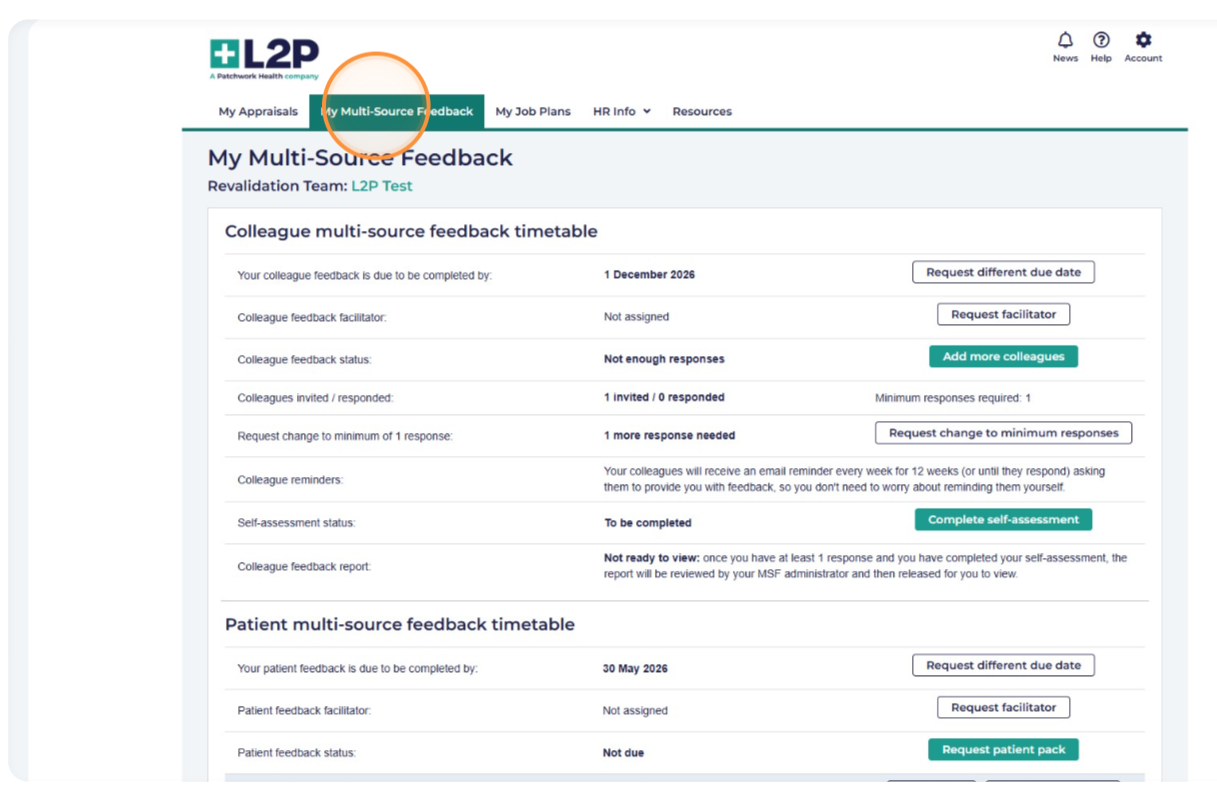
Scroll down to until you see the option Create link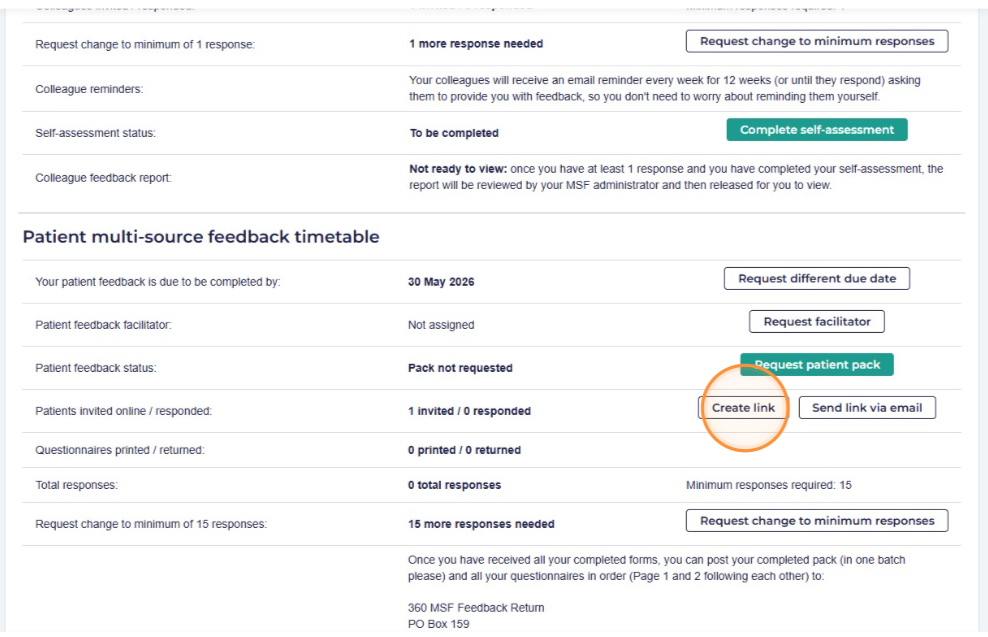
Click Copy link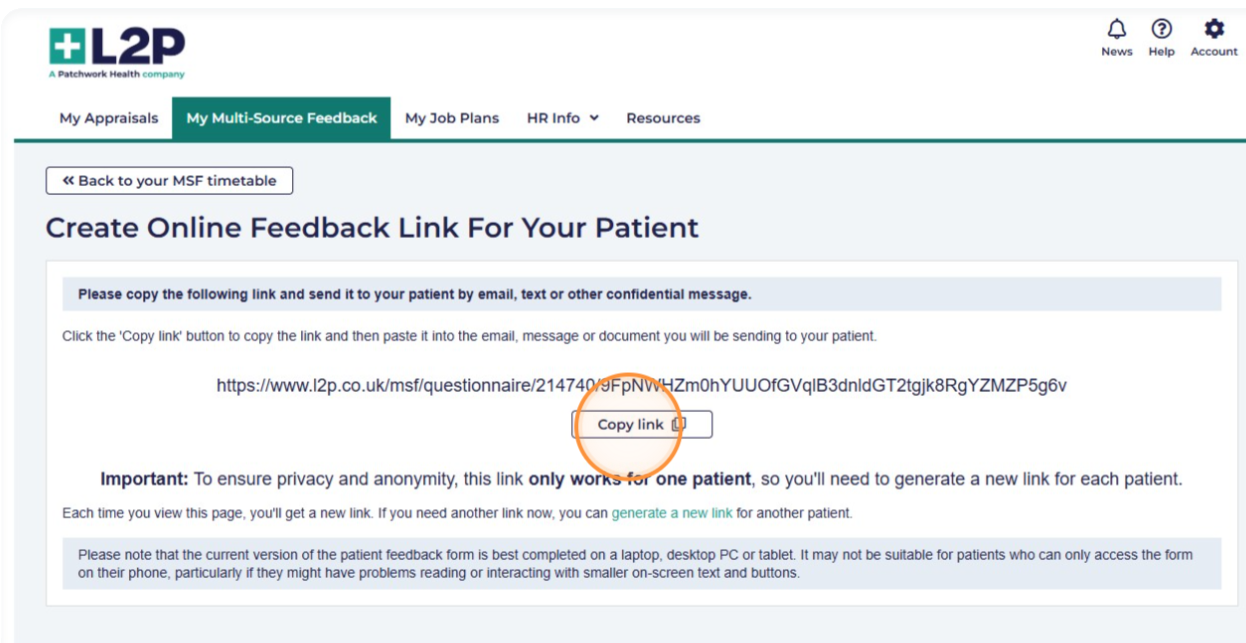
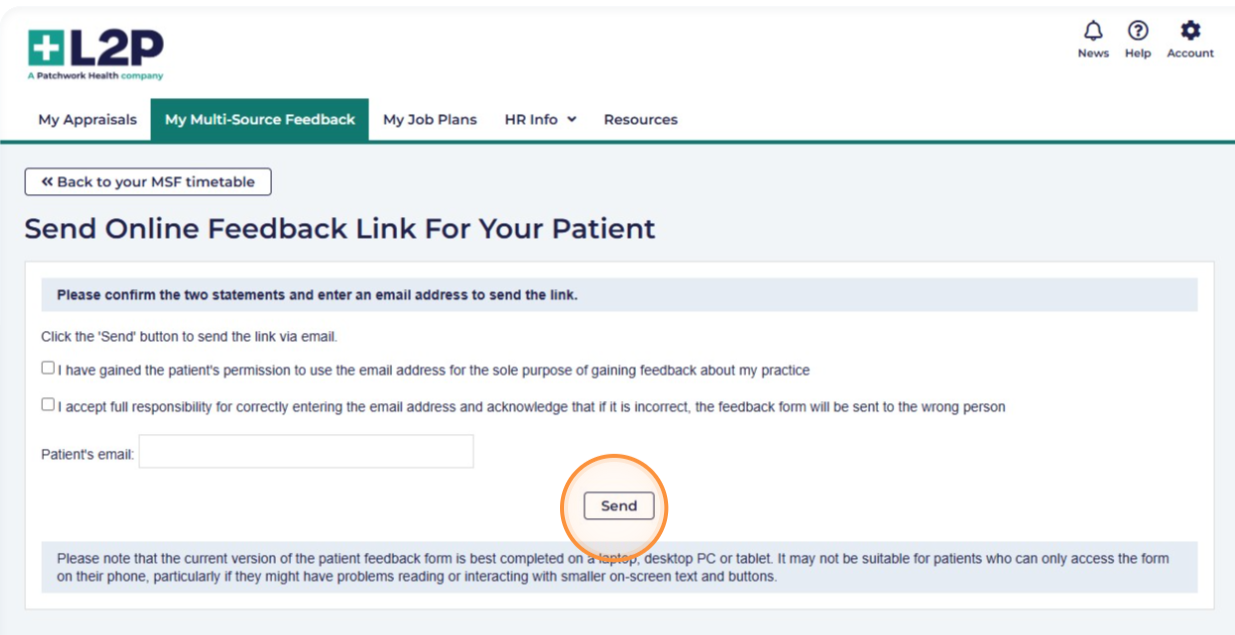
If you would like to email your patient directly from your L2P select the option Send link via email
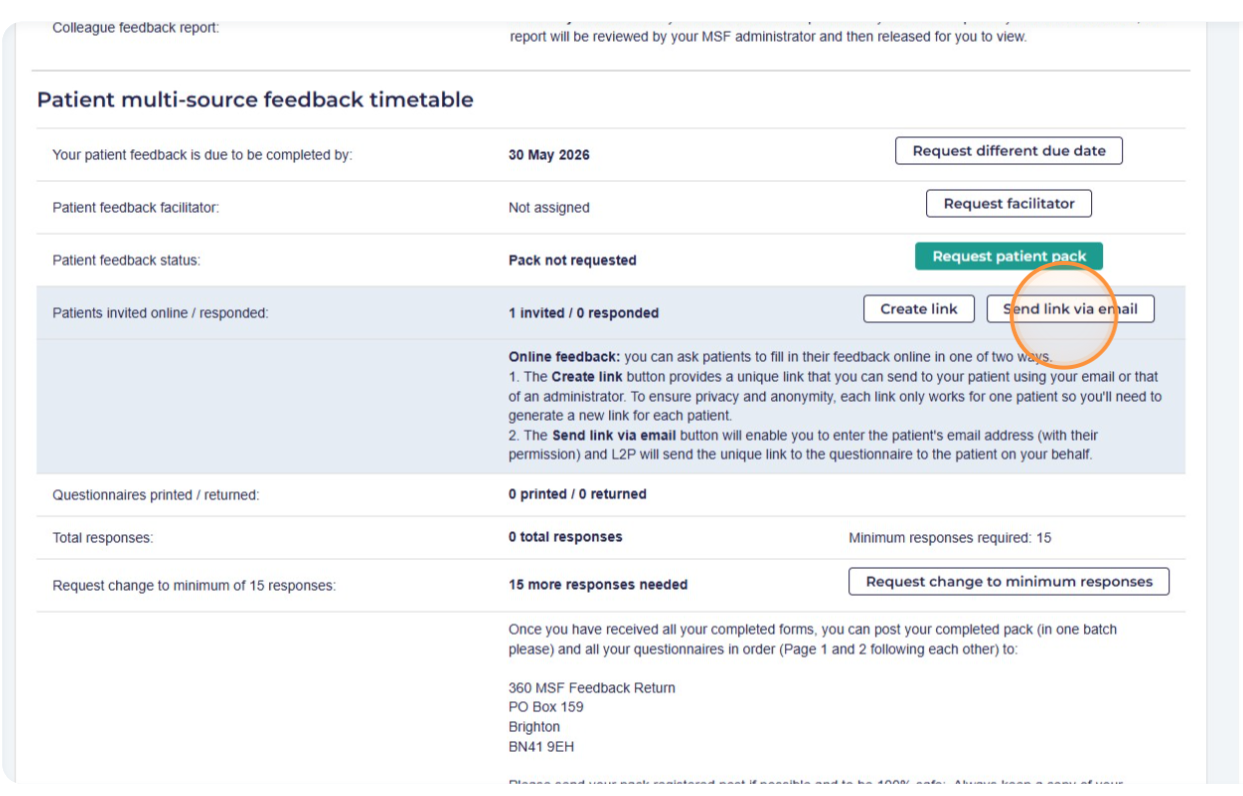
Please verify the two statements, provide the patient's email address, and then click Send.
Please note: we are not able to track patient emails, therefore you would not be able to track if a patient has completed their feedback