Signing in for the first time
L2P sends a welcome email to the email address associated with your account. Open the email and follow the link to set up your password. Then follow the steps below to sign in.
Signing in to your account
How it works
- Open the L2P login page:
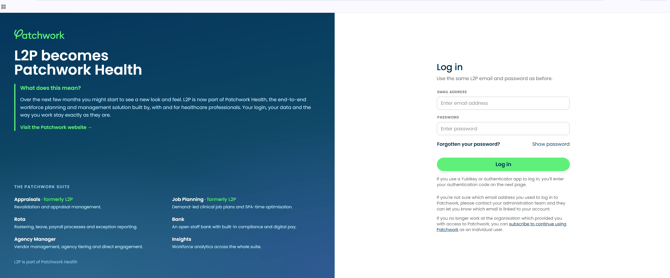
Please note: This is not the Patchwork Hub, Insights or the Bank app. Those are separate front doors, and the same email and password won't work there.
- Enter the login name and password.
- Most accounts log in with their email address.
- A few older accounts log in with a username instead. You can see which one in the user's account details under login type.
- Enter the second code if they have MFA turned on.
- A short code of 6 characters or fewer is read as an authenticator-app code.
- A longer string is read as a YubiKey touch.
For administrators
You can check whether an account uses an email address or a username under Login type in the user’s account details. At the MFA prompt, L2P treats an entry of six characters or fewer as an authenticator app code and a longer entry as a YubiKey code.