- Open the L2P Appraisals sign-in page and select Forgotten your password?
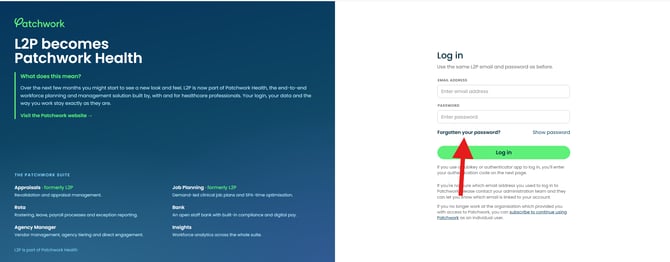
- Enter the email address/username associated with your L2P account and submit the request.
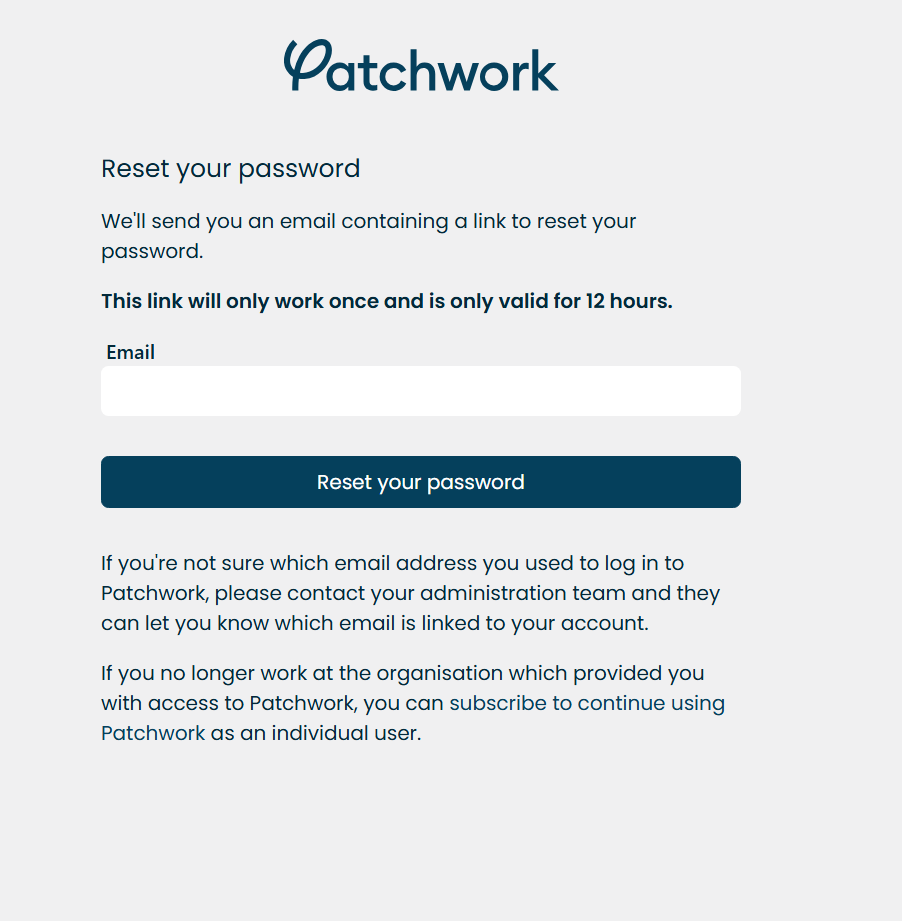
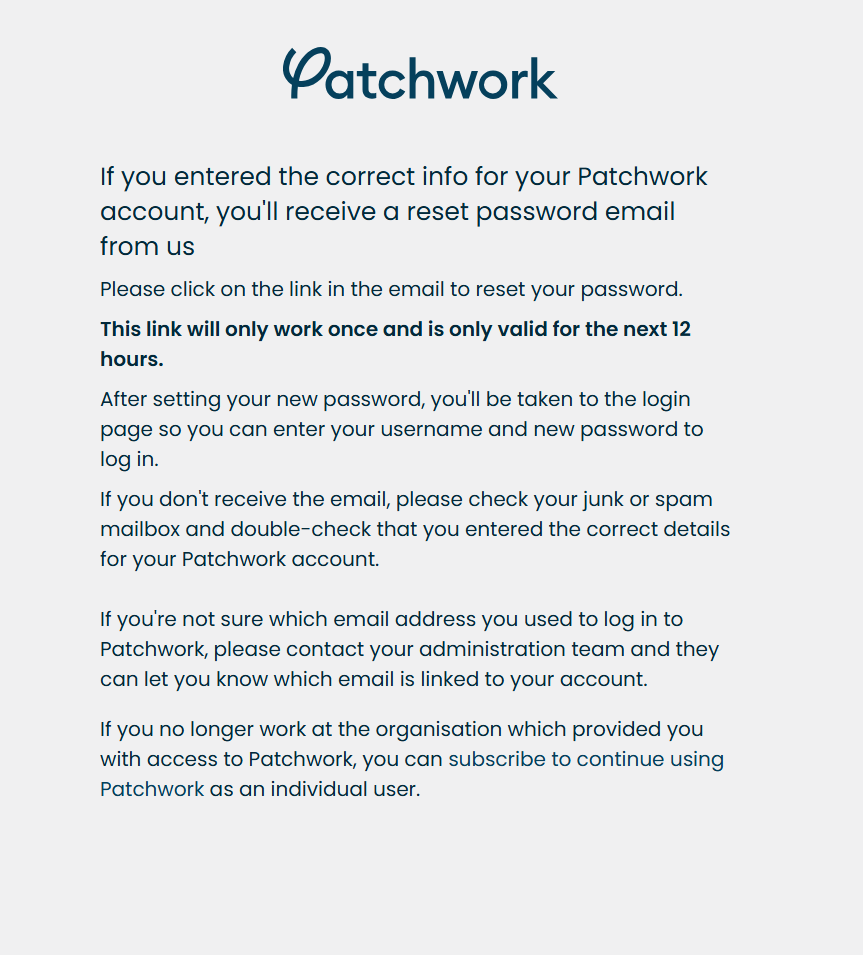
- Open the password reset email and follow the link to set a new password. The link can only be used once and is valid for 12 hours.
- Return to the sign-in page and log in with your new password. If multi-factor authentication (MFA) is enabled, complete it when prompted.
If you don’t receive the reset email
Check your junk or spam folder and make sure you entered the email address linked to your L2P account. If you’re unsure which address to use, contact your organisation’s administration team.
If the reset link has expired or already been used
Request a new link from the password reset page.